
Get DriftGH
Install latest DriftGH through Rhino's built-in Package Manager.
 Install DriftGH 0.6.1
This opens the DriftGH search in Rhino Package Manager. Choose Install, then restart Rhino. If your browser asks, allow it to open Rhino. If the button does not open Rhino, follow the installation instructions below to install manually.
Requirements
- Rhino 8 or later running on Windows 10 or 11 (Mac not supported).
- GitHub Account
- Use Rhino's modern .NET runtime for protocol 5 collaboration; the legacy .NET Framework runtime cannot connect.
Install
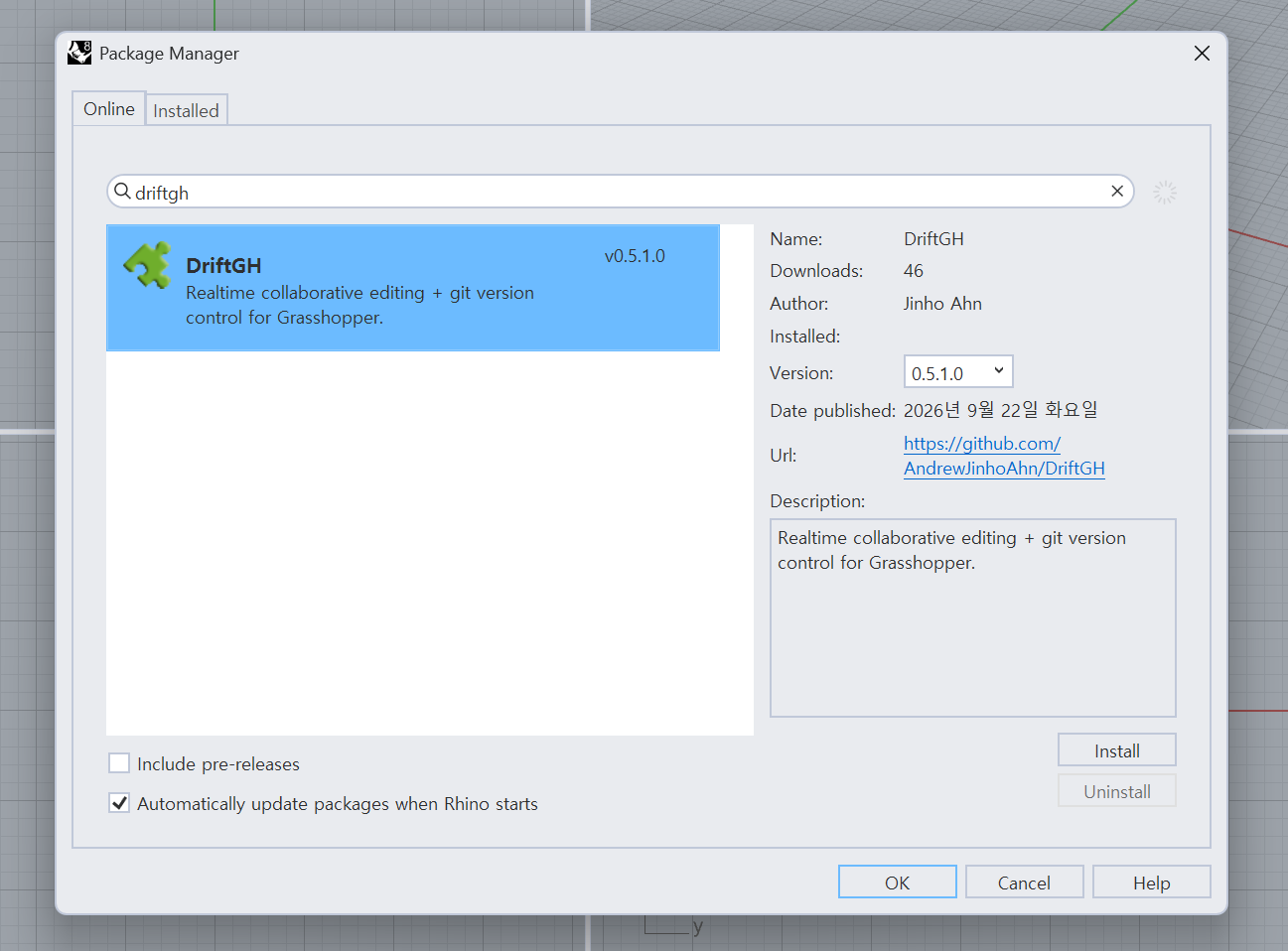
Via Yak, Rhino's built-in package manager:
- In Rhino, run
_PackageManager - Search for DriftGH
- Install, then restart Rhino
Update
Open _PackageManager, find DriftGH and install the available update.
Restart Rhino after updating. Collaborators should use the same current version.
Before your first project
Sign in / Sign up with GitHub, then follow the User Manual to open a shared Grasshopper document.
Release notes
Read the release notes for changes, fixes and compatibility information.